Rowdy Arena

Rowdy Arena for Windows

Your chat is the controller.

Comments, likes and follows become a battle on your TikTok LIVE. The full game is free, with the Rowdy Arena watermark on screen. A Creator or Studio key takes the watermark off.

Download for Windows

FreeWindows 10/11, 64-bit

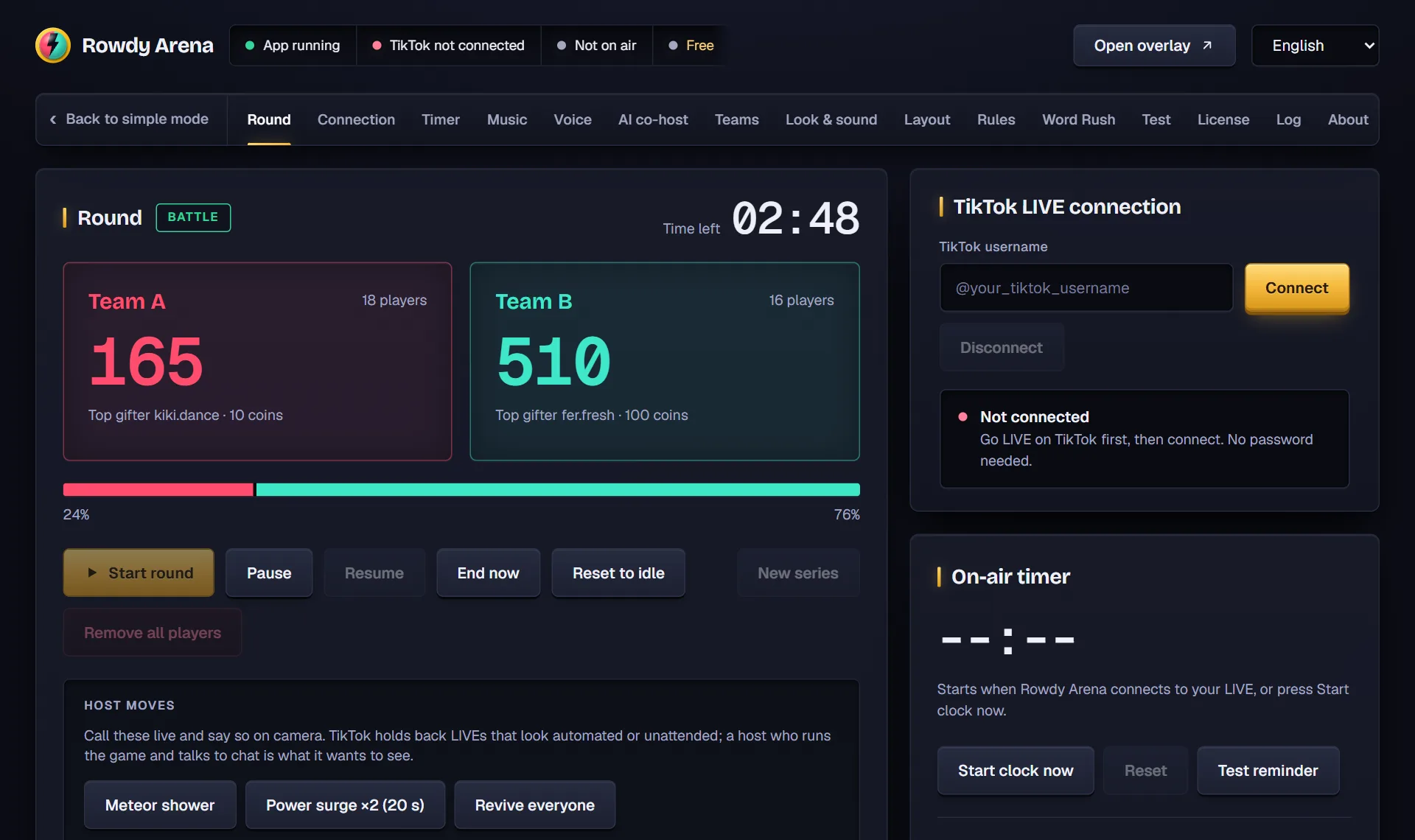
The Rowdy Arena control panel on the Round screen: team scores, round controls, host moves and the TikTok connection box.
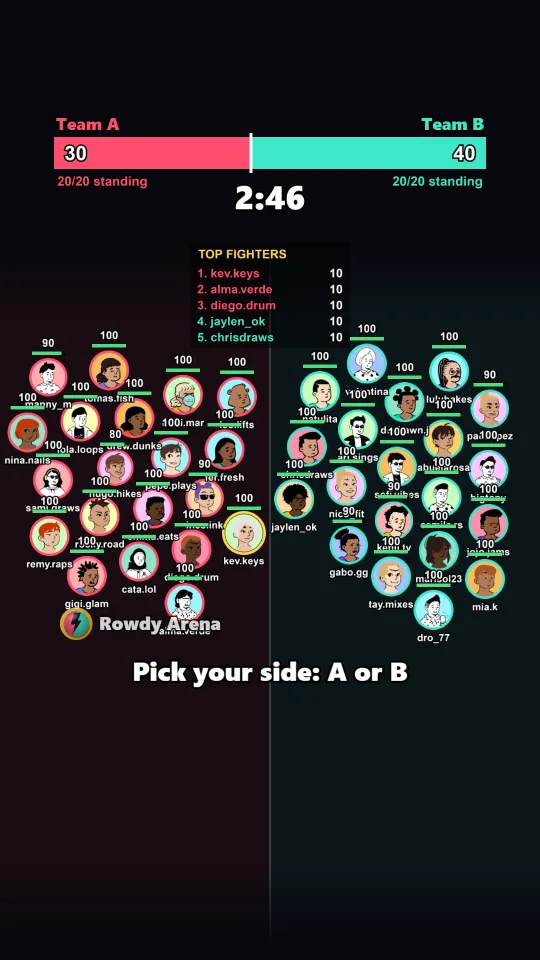
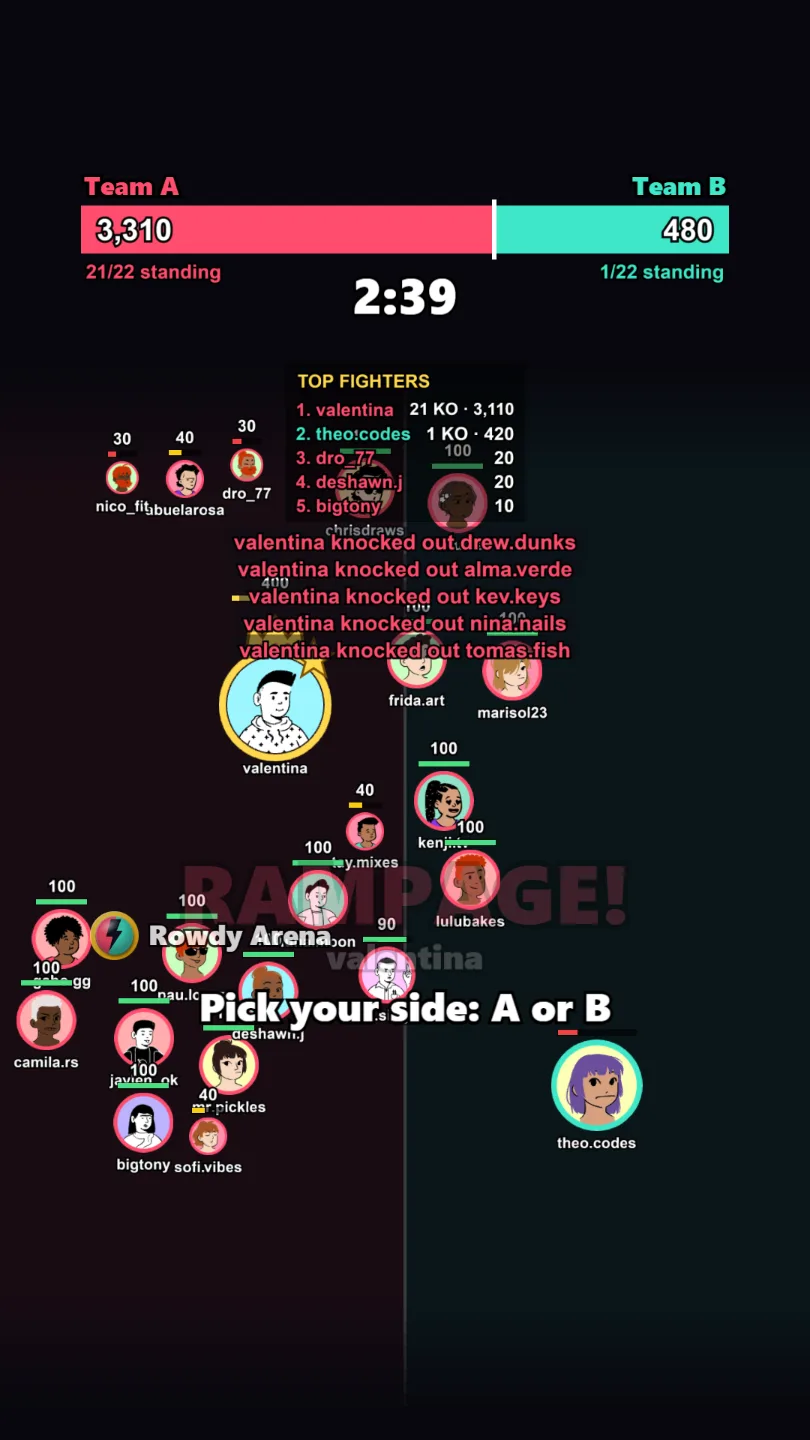
An Arena Battle in Rowdy Arena: two teams of viewer avatars with HP bars, the score bar, the timer and the Top fighters board.

The control panel runs on your PC. The arena goes on your LIVE.

Works with
  • TikTok LIVE Studio
  • OBS Studio
  • Windows 10 and 11
  • Signed installerDigitally signed, checked by Windows
  • No login, no passwordReads public LIVE events only
  • Secure checkoutPayments handled by Stripe
  • 14-day refundsOn every license
  • English and SpanishGame, voice and control panel

Four games in every download

Switch games between rounds from the control panel. Every one is in the free version too.

  • Arena Battle on screen: two teams of avatar orbs with HP bars, a score bar, the timer and the Top fighters board.

    Arena Battle

    Chat attacks the other team, likes heal, and a knocked-out player is back with their next comment.

    How it plays
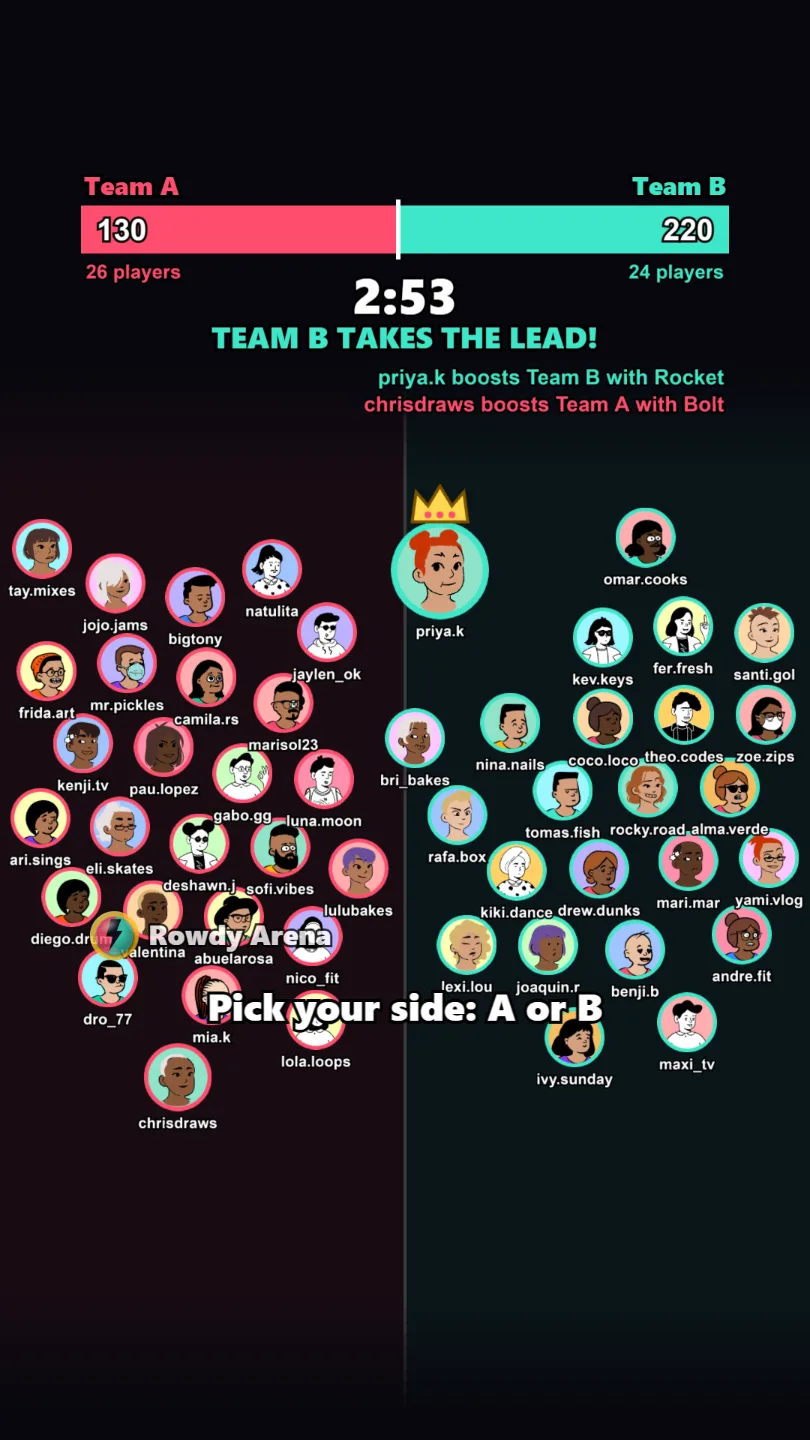
  • Tug of War on screen: two teams of orbs under a split score bar, with a ticker line for each boost.

    Tug of War

    Viewers pick a side with one comment, then likes and follows push their team in a race against the timer.

    How it plays
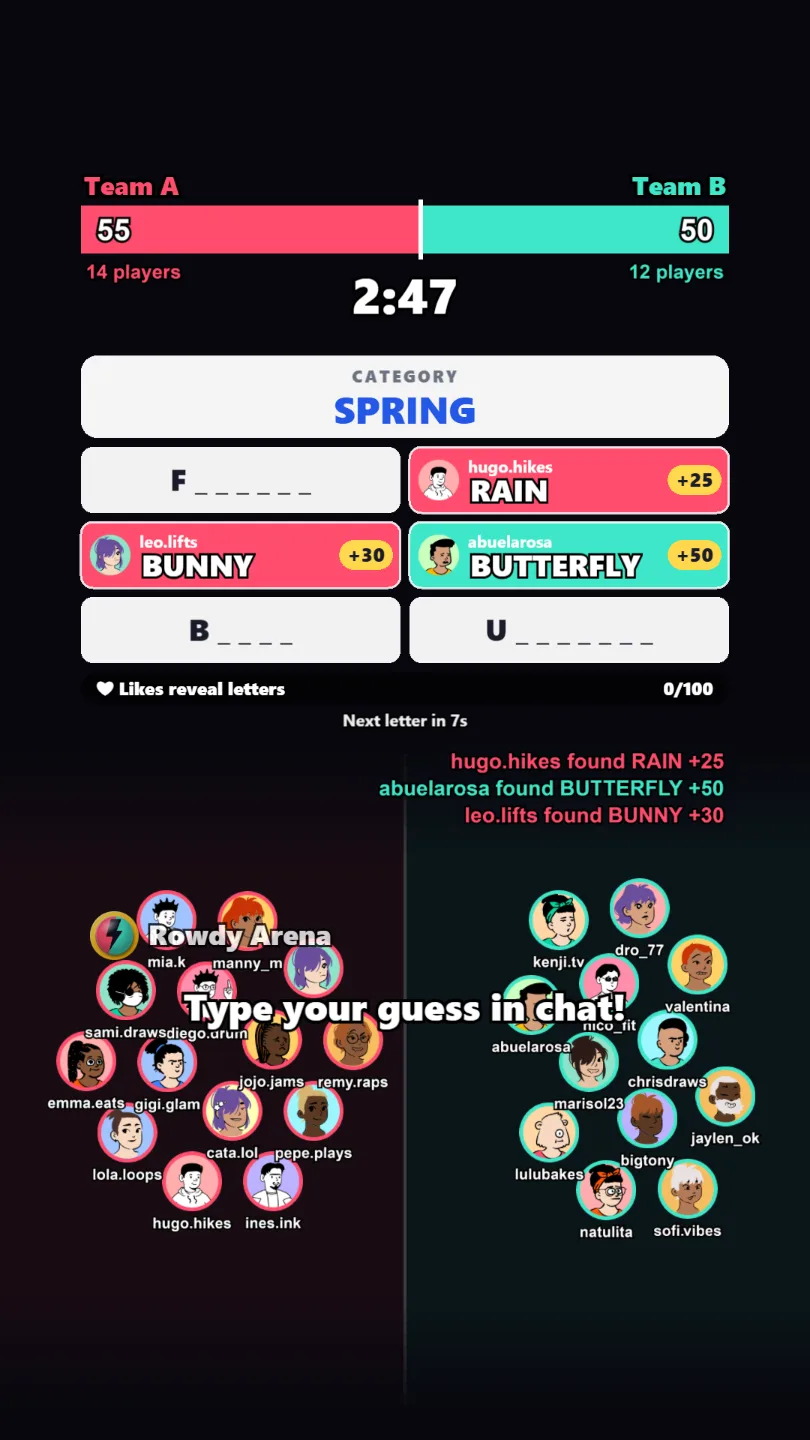
  • Word Rush on screen: a category board with three answers already claimed by viewers and three still hidden, above the two teams.

    Word Rush

    Chat races to type the hidden answers to a category, and each answer goes to the team of the first viewer who types it.

    How it plays
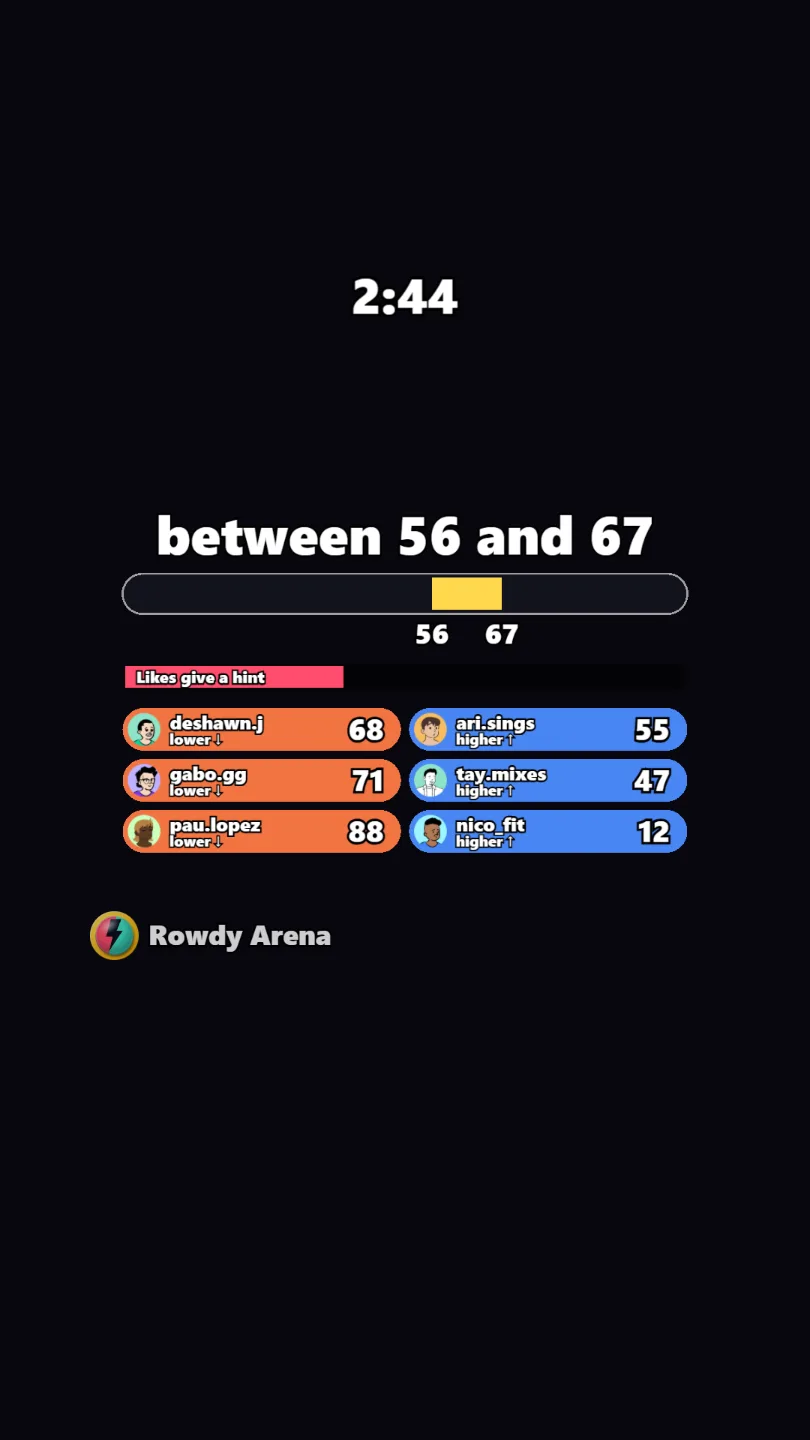
  • Number hunt on screen: a range such as "between 27 and 64" on a number line, and each viewer's latest guess marked higher or lower.

    Number hunt

    Everyone types a number, higher or lower closes in on the secret one, and the first exact guess wins.

    How it plays

What happens on your LIVE

Every viewer who plays shows up on screen with their picture and name, in front of the whole room.

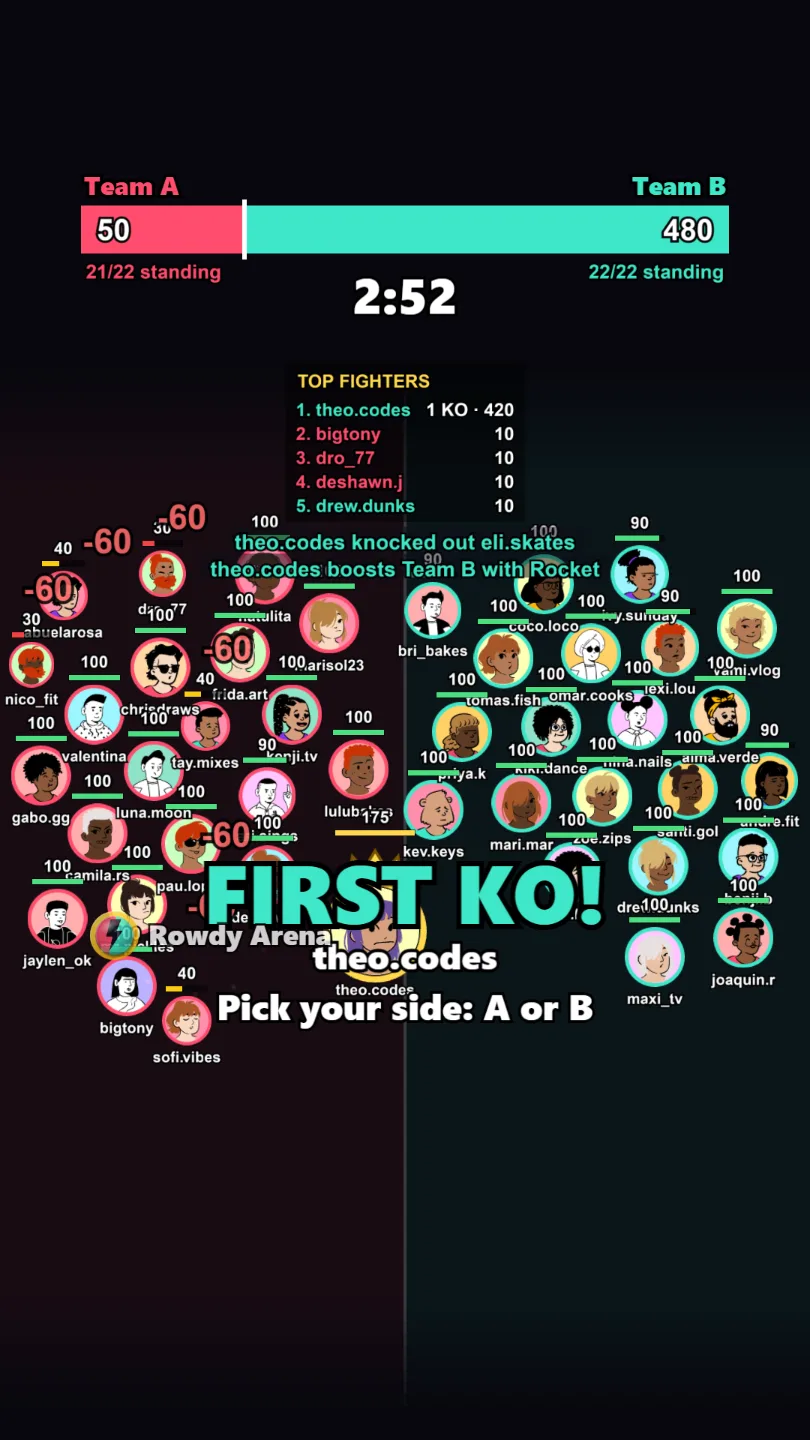
A full-screen streak alert during an Arena Battle, with confetti and the knockout feed.

HP battles and knockouts

Every orb has HP. Chat attacks, likes heal, and a knocked-out player is back with their next comment. Knockout alerts and a Top fighters board keep the room watching.

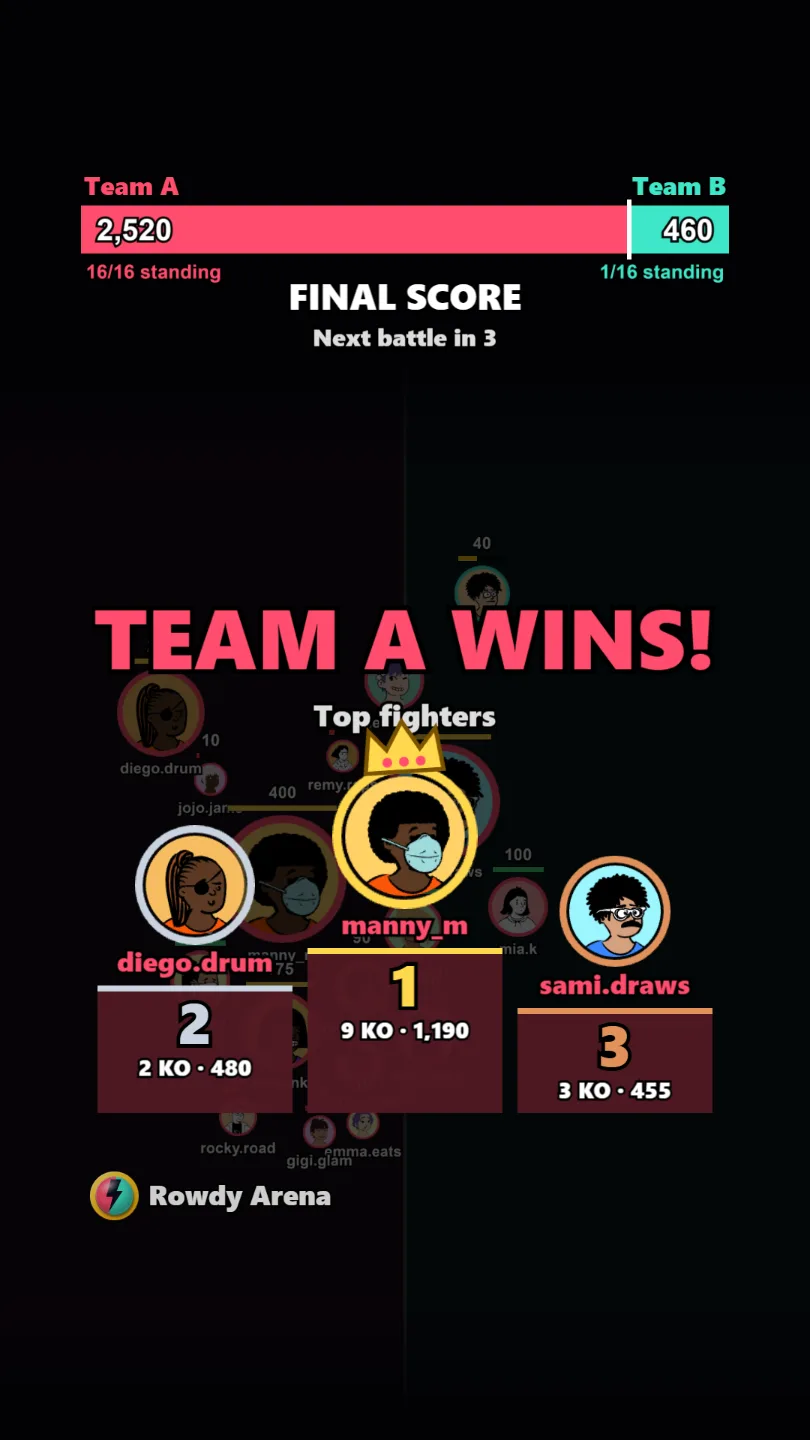
The Rowdy Arena end-of-round podium with the three top fighters of the winning team and their avatars.

MVP spotlight

End-of-round Team MVPs podium honors the winning team's top players, with their avatars front and center.
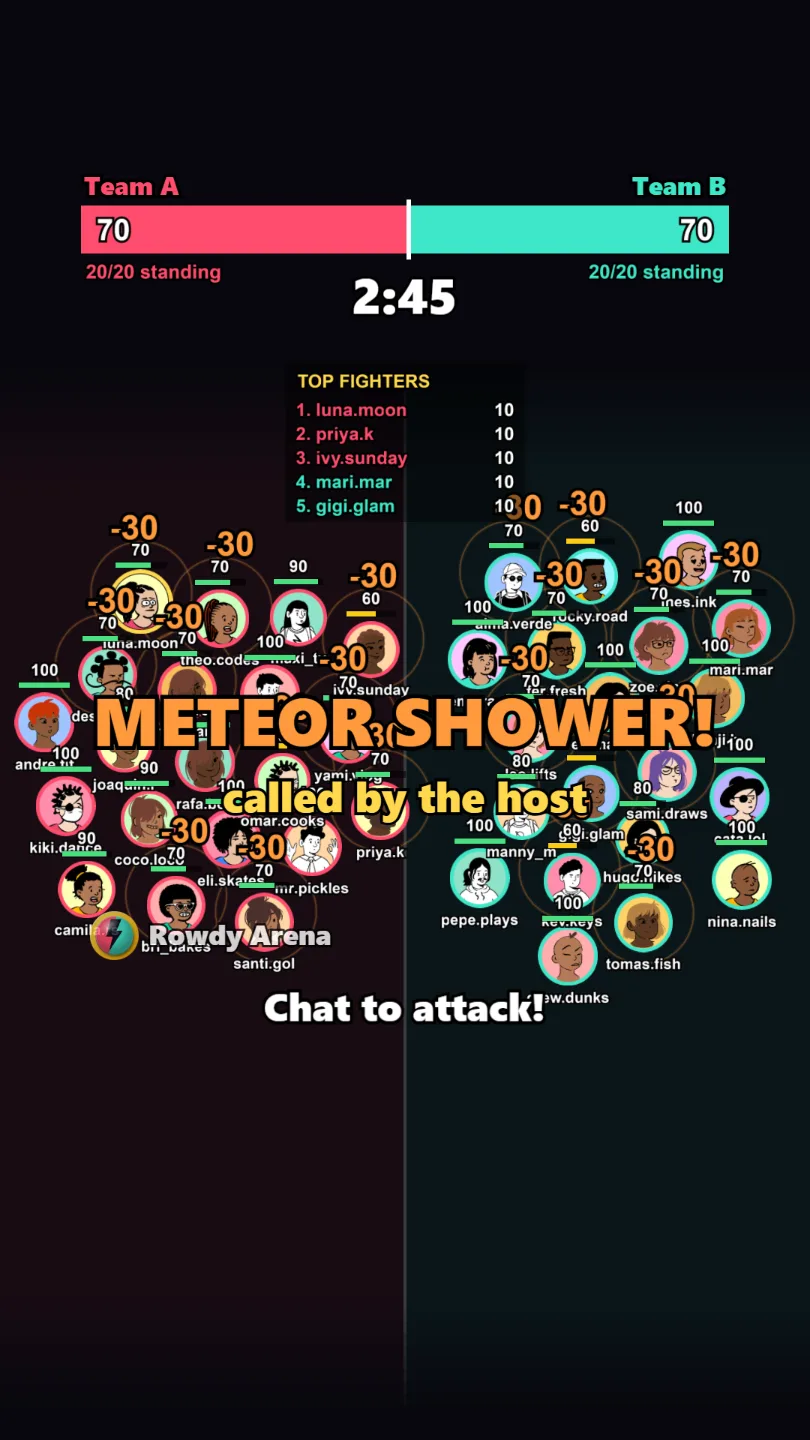
A meteor shower called by the host during an Arena Battle: the alert across the arena over both teams of avatars.

Host moves on cue

Call a meteor shower, a power surge or a revive from the Live screen and say it on camera. The room watches it land.
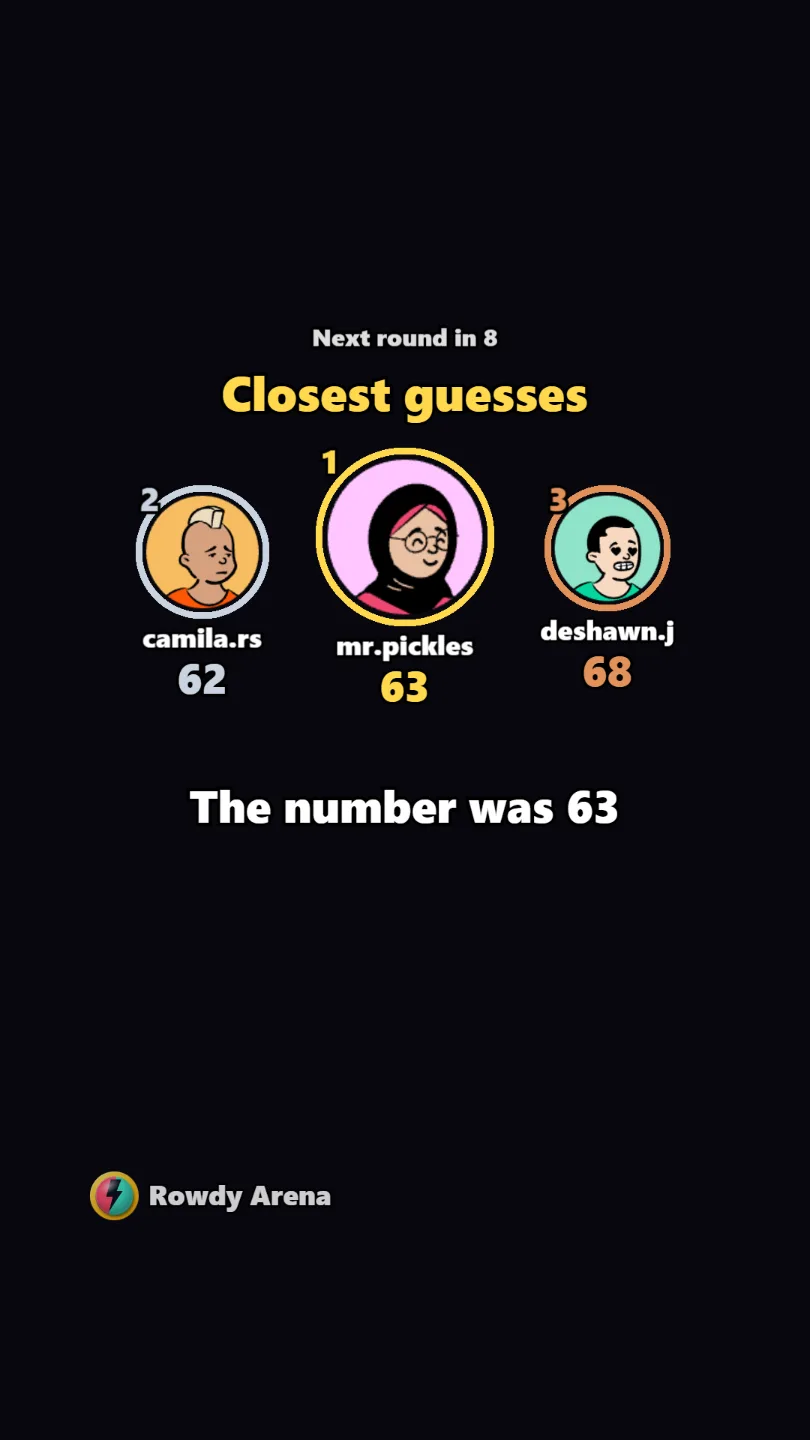
The end of a Number hunt round: the three closest guesses on a podium with their avatars, above the secret number.

Every game ends on a podium

Number hunt crowns the closest guesses and Arena Battle its top fighters: the winners' faces close every round.

Install in four steps

  1. Download the installer with the button above.
  2. Run the installer you downloaded.
  3. If Windows shows "Windows protected your PC", click More info, then Run anyway.
  4. Open Rowdy Arena. To take the watermark off, enter your key in the License box of the control panel, or skip this step and stream free.

Already bought? Your key is in your email and on My license.

Set up your stream

  1. Follow the setup wizard in the control panel: your TikTok @username, a theme, your teams and the round.
  2. Window Capture the Rowdy Arena overlay window into TikTok LIVE Studio or OBS (9:16).
  3. Press Start round.

Want the whole picture? See How it works.

Your next LIVE could be a battle.

Free to download and free to stream. Buy a key only if you want the watermark gone.

Download for Windows

FreeWindows 10/11, 64-bit